

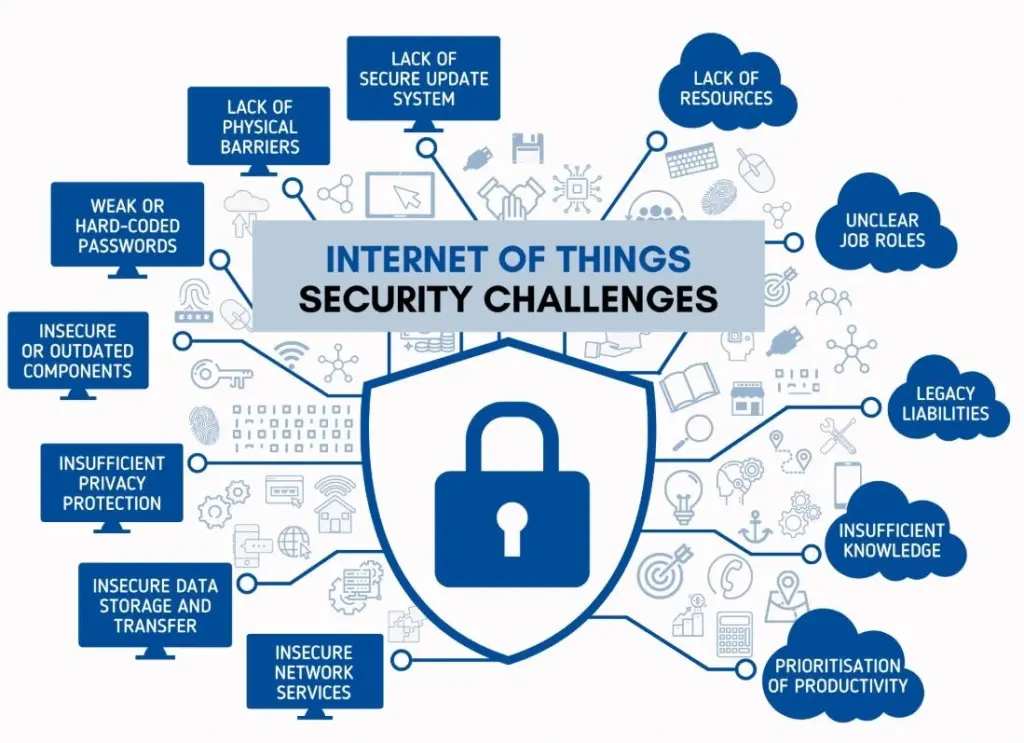
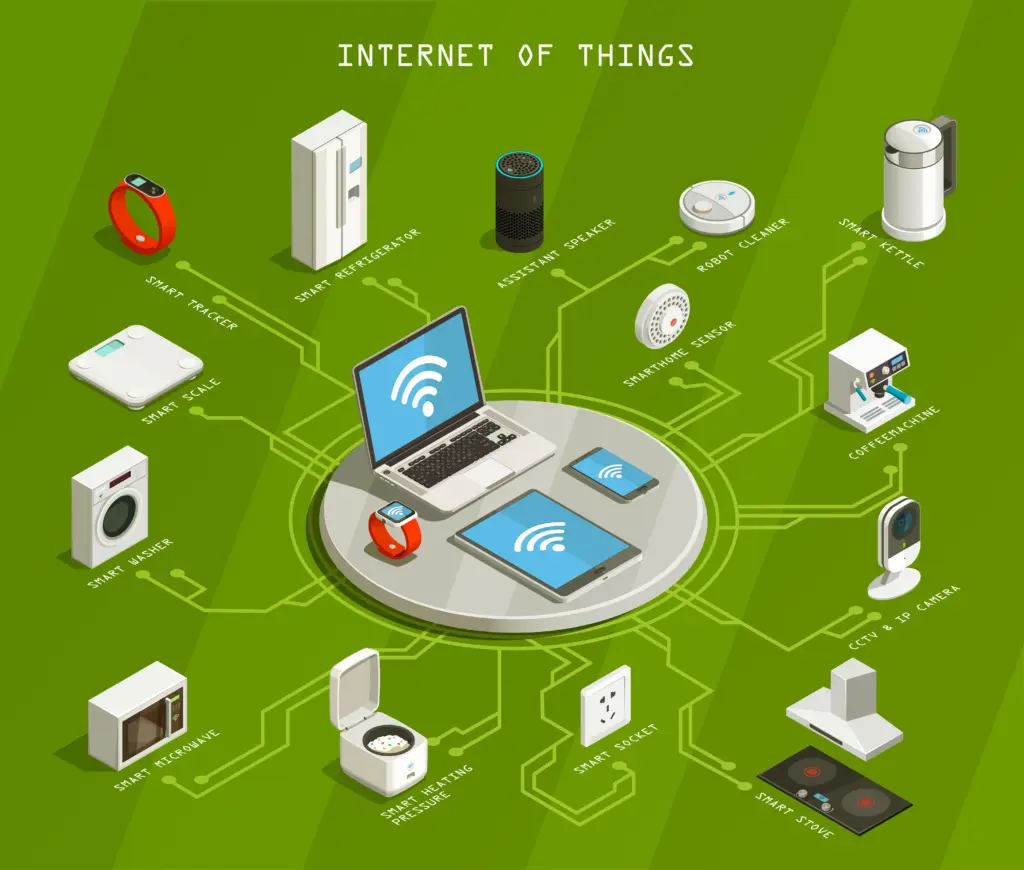
You see, everyday objects now behave like tiny computers that never sleep, quietly collecting data and talking to cloud services. But this convenience is also a liability: default passwords, weak or absent encryption, and forgotten devices give attackers doorways into homes and offices they never physically enter.
The thing is, many gadgets are shipped to prioritize features and speed to market, not resilience. Unpatched firmware, on-path eavesdropping, and brute-force logins turn cameras, locks, sensors, and TVs into launchpads for DDoS or pivots deeper into your network. Good protection starts with inventory, configuration, and disciplined updates.
I approach IoT protection as layered hygiene: identify every device, minimize what it can do, prove who is talking, and watch for drift. That means strong credentials, segmentation, authenticated and encrypted traffic, centralized management, and logging.
With a little structure, even large fleets can be tamed without sacrificing the usefulness that made them attractive.
How to Secure IoT Devices
Start by replacing any default credentials on day one.
Use a password manager to generate unique, lengthy passphrases per device and enable multi-factor authentication wherever the vendor supports it. I mean, if a pop-up prompts for a code you didn’t request, deny it and rotate the password immediately.
Next, harden the network that IoT uses.
On your router, set Wi-Fi to WPA3 if available, disable WPS and UPnP, and create a dedicated SSID named something non-identifying for IoT. Place it on a separate VLAN or guest network, then block that VLAN from reaching your laptops and servers with explicit firewall rules.
Visibility beats guesswork so make sure to keep a living inventory capturing device name, MAC, IP, model, serial, firmware version, and owner. Schedule monthly checks for updates; if a vendor stops releasing patches, retire the device. Disable unused services, turn off remote access you don’t need, and enable DNS filtering to stop devices calling malicious domains.
How to secure IoT devices in business
Start with discovery before addressing policy.
Use passive network scanning plus DHCP and switch neighbor data to enumerate every device, then record vendor, model, firmware, protocols in use, and data sensitivity.
Tag devices with risk ratings; anything touching physical safety or confidential data gets higher scrutiny and tighter controls.
Segment deliberately.
Build VLANs that separate building controls, cameras, badge readers, and kiosks from corporate IT.
Apply next-generation firewall rules that deny east-west traffic by default, only allowing the minimal ports to the specific services required.
Pair this with device profiles to auto-place newcomers into quarantine until validated.
Adopt Zero Trust and continuous monitoring.
Apply role-based access control to management consoles, enforce least privilege, and require strong authentication for administrators. Use SNMP or agentless telemetry to log behavior, set baselines, and alert on anomalies. Establish a firmware lifecycle: test patches in a staging segment, then schedule phased rollouts with rollback plans.
IoT Security Best Practices
Strong results come from consistent, visible controls rather than one-time hardening.
I group practices into device, network, and cloud layers, with automation knitting them together. You see, the priority is to reduce attack surface, authenticate every connection, encrypt everywhere practical, and observe continuously so drift or compromise is caught early.
Treat the list below as a checklist to refine rather than a script to follow blindly. Map each tip to a named owner and a measurable task. Where possible, bake enforcement into templates: switch port profiles, Wi-Fi SSIDs, and infrastructure-as-code. Document exceptions with an expiry date and a clear compensating control.
- Replace defaults and enforce unique passwords with a company password manager; enable MFA on consoles and apps that manage devices.
- Put IoT on dedicated VLANs/SSIDs; block lateral traffic and only allow required destinations, ports, and protocols.
- Inventory devices with serials, firmware, and business owner; review monthly and remove or isolate anything unpatched.
- Update firmware on a schedule; subscribe to vendor advisories and test in a staging network before broad deployment.
- Disable unused services and ports; turn off UPnP, WPS, telnet, and web admin on the WAN.
- Encrypt data in transit with TLS; for high-risk workflows, use mutual TLS so both sides prove identity.
- Use DNS filtering and egress allow-lists so devices can talk only to approved domains and IPs.
- Apply RBAC to management tools; log admin actions and require just-in-time elevation for break-glass access.
- Monitor continuously with SNMP, NetFlow/IPFIX, and syslog; baseline normal traffic and alert on anomalies or new domains.
- Secure routers and gateways: strong admin passwords, firmware updates, and HTTPS inspection where policy allows.
- Lock down cloud APIs that devices use with authentication tokens, rate limits, and strict scopes.
- Train users who install or approve devices; publish a purchase checklist and forbid shadow IoT on production networks.

After implementing the items above, automate the boring parts. I mean, use templates for VLANs and firewall rules, scheduled compliance checks for firmware versions, and alerts when an unmanaged MAC appears. Periodic tabletop exercises will pressure-test response plans and improve them before a real incident forces the issue.
| Control area | What to set | Where to do it | Ongoing check |
|---|---|---|---|
| Wi-Fi & VLANs | Separate SSID/VLAN for IoT; disable WPS/UPnP | Router/AP and switch config | Monthly review of SSID/VLAN membership |
| Credentials | Unique passwords; MFA on consoles | Password manager and admin portals | Quarterly credential rotation report |
| Patching | Scheduled firmware updates | Vendor portal and management console | Version drift dashboard with alerts |
| Traffic policy | Deny east-west; egress allow-list | Firewall/SD-WAN ruleset | NetFlow reports for policy violations |
| Encryption | TLS everywhere; mTLS for critical flows | Device/app configuration and PKI | Certificate expiry monitoring |
| Monitoring | SNMP/syslog to SIEM; baseline behavior | Network management and SIEM | Alerts on new devices/protocols |
Conclusion
The thing is, IoT doesn’t need to be scary to be safe. A little forethought – separating networks, authenticating every session, encrypting data, and keeping firmware current – removes most easy wins for attackers. What remains becomes visible and manageable because you’re logging and limiting what devices can do.
You see, protection improves fastest when it’s boring, automated, and owned. Start with inventory and segmentation, make updates and access repeatable, and commit to monitoring. If a device can’t be patched or properly isolated, replace it. That clear boundary keeps the useful parts of IoT working for you.
