

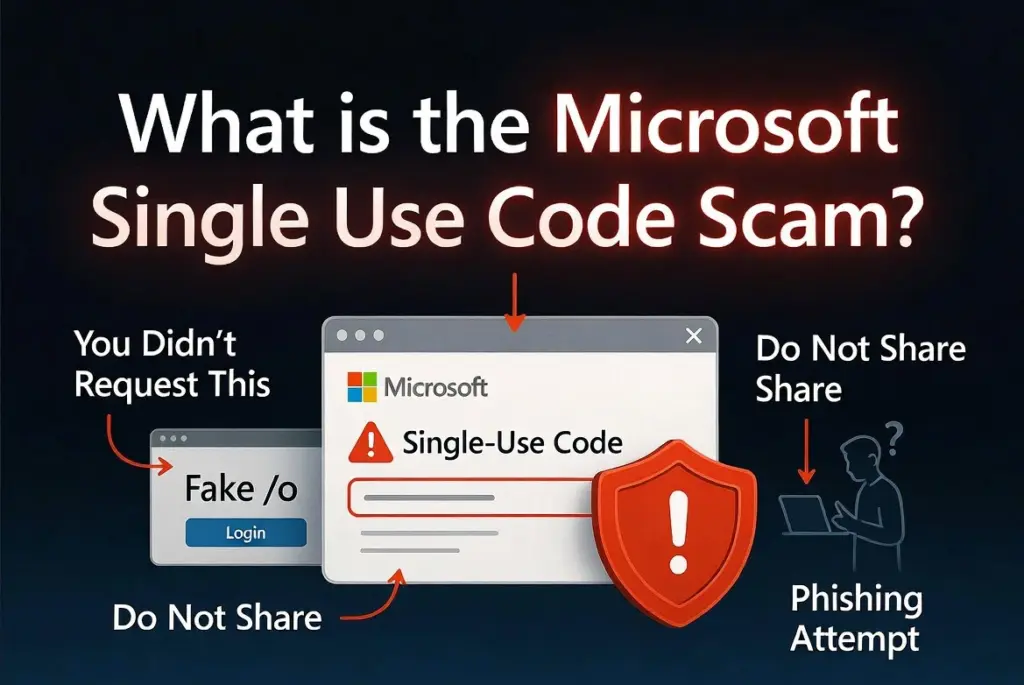
So you open your inbox and there it is, a Microsoft single-use code that says you requested it, except you didn’t, so slow down. Time out. The code is not something to test, share, forward, or type anywhere. If you did not start the sign-in, treat it like a locked door key sent to your mailbox for someone else.
This does not automatically mean your Microsoft, Outlook, Hotmail, or Gmail account has already been taken over. Many users reported versions of this. Some messages looked legitimate, which is why the whole thing feels confusing.
Scams of Microsoft Single Use Code‘s type are known to steal personal data and passwords. Install SpyHunter Pro to scan for risks, remove any dangerous trackers, and enable real-time protection.

Try Free For 7 Days*
Buy now15% OFF if you buy straight without trial.
 OFFER
OFFERUnderstanding the Microsoft Single Use Code Pattern
Here’s how it starts. A code arrives, the message says it was requested for sign-in, and you know you didn’t request anything. A user said she got a single-use code she did not ask for. Other wondered if his code email was spam, a scam, or tied to an old Hotmail account. Another person checked recent activity and found a blank page on multiple devices.
Then there is a case, which is especially weird at first glance. A user said he had a Gmail address that was not used to access Microsoft products, but he was still getting a Microsoft single sign-in code. When he tried to log in with that Gmail address, no Microsoft account existed. So why was a code being sent there?
The answer was that a Microsoft username and security contact email can differ. An email address might not be the login name, but it can still receive a 2FA code if added as security information. Another possibility is a typo. Another is that someone is trying breached addresses to see what workflows they can trigger. The code arriving is the event, but your reaction decides what happens next.
What to Do If You Receive Microsoft Single Use Code
If you receive one of these codes, do not use it. Do not reply. Do not click the link to see where it goes. Do not send the code to anyone. I know the temptation is to investigate from inside the email, but that is the wrong direction. Go around it.
Type the Microsoft address yourself in the browser. The source material pointed to account.microsoft.com/security, account.microsoft.com, account.live.com/Activity, and account.live.com. Go there directly and check recent activity. If you see a login you don’t recognize, choose “This wasn’t me” where that option is available and follow the security prompts.
If the activity looks suspicious, change the password. Enable two-step verification or 2FA. Microsoft Authenticator, Windows Hello, security keys, SMS codes, passkeys, and passwordless sign-in were mentioned as options. The point is making sure the account cannot be opened just because someone knows, guesses, or already has your password.
Also secure the alternate email address if that is where the code landed. In the Reddit case, the user got a code on an alternate verification address and worried someone might have access to that address and device too. Change passwords, review recovery details, sign out of sessions, and check forwarding rules, aliases, and connected apps.
How Microsoft Single Use Code Scam Tricks You
The trick here is confusion. This is not always the classic fake toll payment message or bogus invoice screaming at you to pay now. Instead, it is a real-looking security moment that makes you ask questions. Did someone get my password? Why is Microsoft emailing my Gmail? Was there a login while I was asleep?
And once you are in that state, you might start doing the scammer’s work for them. You might click the email link. You might enter the code somewhere. You might search for support and run into fake help numbers. You might post your email publicly. Bad move.
A person said the attempts and weird times made it feel suspicious. Other user said he did not think it was just a typo and felt it was a deliberate hacking attempt. That concern makes sense. Repeated codes can feel like someone hammering on the door. Remember, the code is also the lock. If you do not give it away, that verification step stays blocked.
Recognizing the Red Flags
The first major red flag is obvious: a Microsoft code you did not request. That means a sign-in, recovery, or verification flow may have been started with your email address or with security contact information connected to it.
The next red flag is repetition. One unexpected code could be a mistake or delay. Several codes at strange times deserve a direct account check. In the Reddit case, the user saw a successful sign-in listed at about 5 AM, which matched the code email, even though they said they were definitely not awake.
Now here is where it gets messy. That same Reddit user saw the sign-in listed from the correct IP address and iOS device. Outlook said, “We think this was you,” then shortly after said a suspicious login was detected. So, which is it? That is why you should not rely on vibes. If something does not make sense, secure the account.
Another red flag is a recent activity page that does not explain what happened. A user saw a blank page after the code arrived. That does not prove compromise, but do not shrug and move on. Use the safe route: direct sign-in, password review, 2FA review, and security information check.
Is @accountprotection.microsoft.com Legitimate?
This is where people get stuck. The source material says Microsoft security and verification emails can come from @accountprotection.microsoft.com, and that this domain is used for security codes, two-step verification, password changes, unusual sign-in alerts, and account update notifications. So yes, that sender can be legitimate.
But legitimate sender does not mean legitimate request by you. Microsoft may have sent a real code because someone entered your email address during sign-in or recovery. That still does not mean you should interact with the email. Inspect the sender if you want, but do not treat it as a button you need to press. Go directly to Microsoft instead.
How to Handle It Safely
Ignore the code unless you personally started the process. Check your Microsoft account activity directly. Review recovery email addresses, phone numbers, aliases, connected apps, and forwarding rules. If the email address that received the code is not yours to use on that Microsoft account, do not enter the code to explore it.
If you ask for help in a public forum, do not post your full email, phone number, password, product key, credit card number, or verification code. That warning appeared directly in the Reddit thread, and it is worth repeating because scammers love support threads.
Strengthening Your Account Afterward
Even if nothing bad happened, use this as a reason to tighten things up. Change weak passwords. Turn on 2FA. Consider passwordless sign-in. Secure every alternate address that receives codes.
The lesson is simple. A single-use code you did not request is not an invitation to click. It is a warning light. Stop, go to the real account page, check what happened, and do not hand anyone the key. That is the whole point, every single time.
